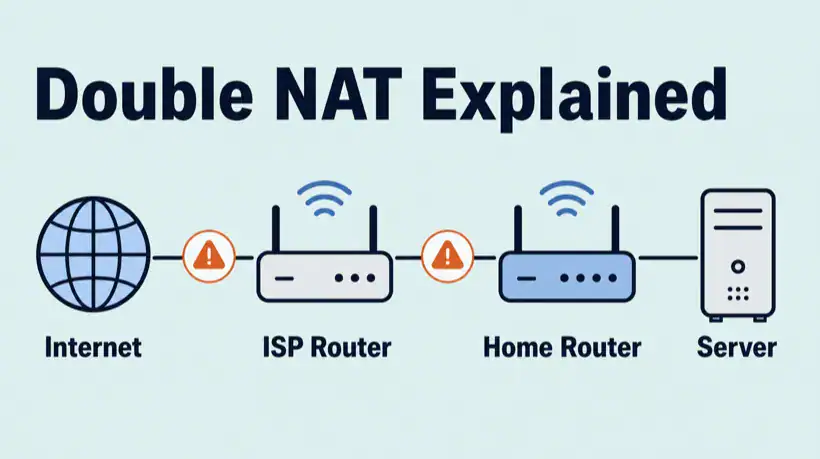
Double NAT is one of those networking problems that looks harmless until you try to host something, forward a port, run a game server, reach a VPN, or troubleshoot remote access from outside your home network.
The frustrating part is that your local network can look completely fine. Wi-Fi works, websites load, streaming works, and devices can talk to each other. The break only appears when inbound traffic from the internet needs to find a device behind two routers instead of one.
Quick answer
Double NAT means your connection is being translated by two NAT devices before it reaches the internet, usually an ISP modem/router and your own home router. To fix it, put the upstream modem/router into bridge mode, use IP passthrough, place your router in the upstream DMZ, or forward the same port on both routers. If the upstream address is CGNAT, you need a public IP from the ISP or a tunnel/VPN workaround.
Related troubleshooting paths: if inbound access is failing, start with the port forwarding not working checklist. If you switch to a tunnel or VPN workaround, use the VPN tunnel up but no traffic guide to check routes. If hostnames work inside but fail outside, keep the DNS server not responding guide nearby.
What double NAT means
nIf you want the base concept first, start with What Is NAT? Network Address Translation Explained, then come back to the two-router version here.
nNAT, or network address translation, lets many private devices share one public internet connection. Your laptop might be 192.168.1.50, your phone might be 192.168.1.60, and your router translates their traffic out through one WAN address.
Double NAT happens when there are two translation layers in the path:
- Your device sits behind your home router.
- Your home router sits behind another router, modem/router, gateway, mesh router, firewall, or ISP device.
- Both devices perform NAT.
For normal outbound browsing, this often works. For inbound services, it becomes confusing because a port forward on only the inner router does not help if the outer router never forwards the traffic to it.
Common double NAT symptoms
Double NAT can show up as:
- Port forwarding rules look correct but external port checks still time out.
- Game consoles report moderate, strict, or double NAT.
- Remote desktop, Plex, Minecraft, Home Assistant, cameras, or self-hosted apps cannot be reached externally.
- VPN clients connect but cannot reach the expected LAN resources.
- Voice chat, peer-to-peer games, or direct device discovery behaves inconsistently.
- Your router WAN IP is private instead of public.
The key clue is the WAN address on your router. If your router’s internet/WAN IP is in a private range, there is another NAT layer upstream.
Double NAT vs CGNAT
Double NAT and CGNAT are related, but they are not the same thing.
| Problem | Where it happens | Can you usually fix it yourself? |
|---|---|---|
| Double NAT | Inside your premises, such as an ISP gateway plus your own router | Often yes, by bridge mode, passthrough, DMZ, or forwarding on both devices |
| CGNAT | Inside the ISP network before traffic reaches your router | Usually no, unless the ISP gives you a public IPv4 or static IP |
With CGNAT, your router may receive an address in 100.64.0.0/10, which is shared address space defined for carrier-grade NAT. A normal home router port forward cannot receive unsolicited public internet traffic through that ISP-level NAT.
How to detect double NAT
Use this sequence before changing settings. It tells you which layer is actually in the way.
1. Check your router WAN IP
Log in to your main router and find the WAN, internet, or upstream IP address. Then compare it to your public IP from a site such as ifconfig.me or icanhazip.com.
| Router WAN IP | Meaning | Likely fix |
|---|---|---|
| 192.168.x.x | Behind another local router | Bridge upstream router or forward on both routers |
| 10.x.x.x | Behind private upstream NAT | Check ISP gateway, modem/router mode, or ISP setup |
| 172.16.x.x to 172.31.x.x | Behind private upstream NAT | Find the upstream NAT device and bridge it if possible |
| 100.64.x.x to 100.127.x.x | Likely CGNAT/shared address space | Ask ISP for public IPv4, static IP, or use a tunnel |
| Same as public IP | No obvious upstream NAT | Check firewall, service listener, and port rule |
2. Run a traceroute
A traceroute can show whether your traffic passes through private hops before reaching the public internet.
Windows: tracert 1.1.1.1
Linux:   traceroute 1.1.1.1
macOS:   traceroute 1.1.1.1
Private hops near the start are normal inside a local network. The useful signal is whether your router WAN IP is also private and whether there is another router you control upstream.
3. Trace the physical path
Look at the actual cabling and devices:
- Fibre ONT into ISP gateway, then your router.
- Cable modem/router into mesh router.
- 5G modem/router into home firewall.
- Apartment or building network into your router.
- ISP-supplied gateway into a second Wi-Fi router.
If two of those devices are routing, firewalling, and handing out DHCP, you probably have double NAT.
How to fix double NAT
Pick the option that matches how much control you have over the upstream device.
Option 1: Put the upstream gateway in bridge mode
This is the cleanest fix. Bridge mode turns the ISP modem/router into a modem-like device and lets your own router receive the public IP directly.
- Use this when you want your own router or firewall to be the only router.
- Check whether your ISP requires PPPoE, VLAN tagging, or special credentials before switching.
- After bridging, reboot the modem and router so the public IP is handed to the correct device.
Option 2: Use IP passthrough
Some gateways do not offer true bridge mode but do offer IP passthrough. This passes the public address, or a close equivalent, to your chosen router while the gateway still exists for management.
This is common on mobile broadband, 5G gateways, and some ISP-supplied routers.
Option 3: Put your router in the upstream DMZ
If bridge mode is not available, set the upstream router’s DMZ host to your router’s WAN IP. This forwards unsolicited inbound traffic from the first router to the second router, where your normal firewall and port forwarding rules can apply.
This is not as clean as bridge mode, but it often works well for home labs and game consoles.
Option 4: Forward ports on both routers
If you cannot bridge or use DMZ, forward the port twice:
- On the upstream router, forward the public port to your downstream router’s WAN IP.
- On the downstream router, forward that same port to the internal server.
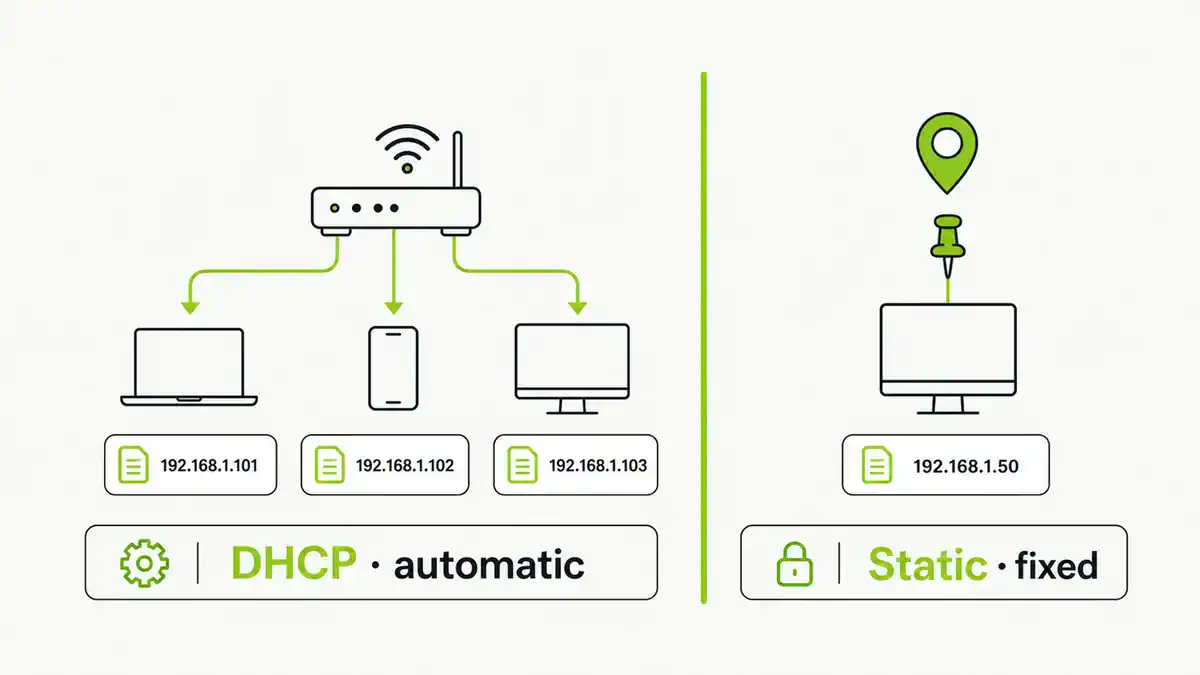
- Make sure the server has a stable DHCP reservation.
- Allow the port through the server firewall.
- Test from mobile data or another outside network.
This is more fragile because two devices now need matching rules, but it can be a useful temporary fix.
Option 5: If it is CGNAT, ask the ISP or use a tunnel
If your WAN IP is in 100.64.0.0/10 or does not match your public IP and the upstream NAT is inside the ISP network, local router changes will not fix normal inbound port forwarding.
Your options are usually:
- Ask the ISP for a public IPv4 address.
- Upgrade to a static IP or business plan.
- Use IPv6 if your service and firewall policy support it.
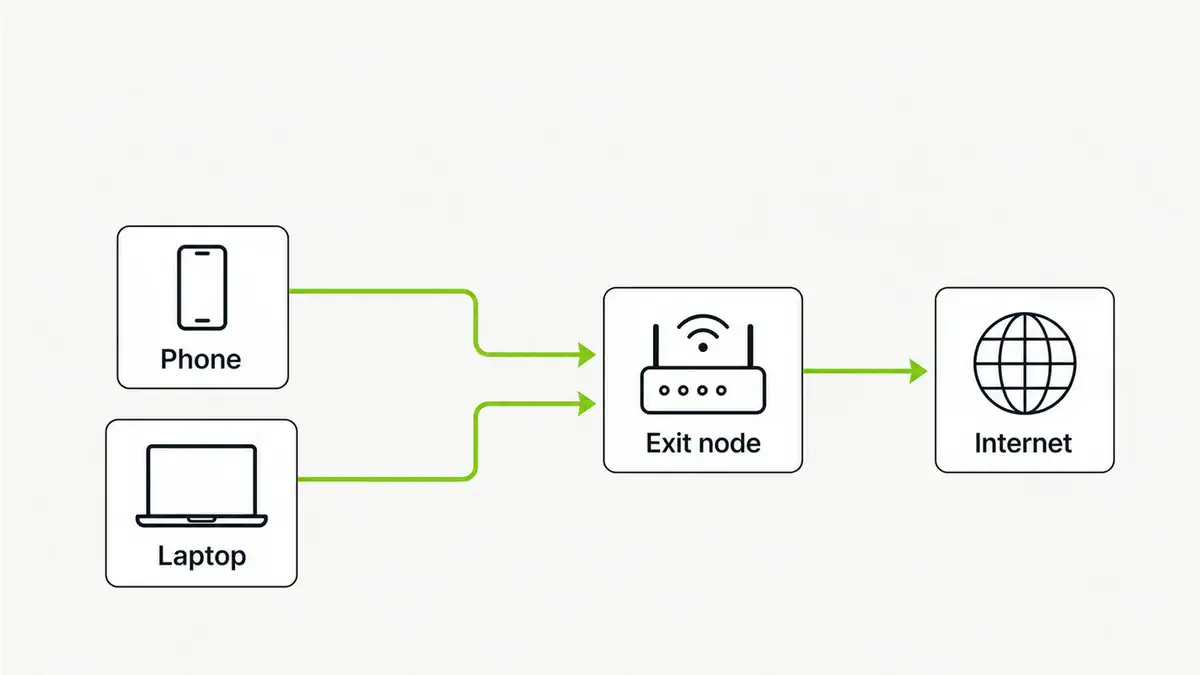
- Use a reverse tunnel, VPS relay, overlay network, or VPN-style access model.
After the fix, retest the full path
Do not rely only on the router UI saying the rule is saved. Test the path end to end.
# From outside your network
nc -vz your.public.ip.address 8080

# Windows
Test-NetConnection your.public.ip.address -Port 8080
If the port still fails, return to the basics: service listener, host firewall, correct protocol, correct internal IP, correct outside test, and ISP blocking.
FAQ
Is double NAT bad?
Not always. Double NAT is often fine for normal browsing, streaming, and outbound apps. It becomes a problem for inbound port forwarding, some games, peer-to-peer apps, VPN routing, and remote access.
Does double NAT slow down the internet?
Usually not in a way you can feel. The bigger issue is reachability and troubleshooting complexity, not raw speed. A weak ISP gateway or overloaded router can still cause performance problems separately.
Can port forwarding work with double NAT?
Yes, if you control both routers and forward the port through both NAT layers. It is cleaner to use bridge mode or IP passthrough, but double forwarding can work.
Is CGNAT the same as double NAT?
No. Double NAT usually means two routers in your local setup. CGNAT is NAT inside the ISP network. You can often fix local double NAT yourself, but CGNAT usually requires the ISP to provide a public IP or a different access method.
What is the best fix for double NAT?
Bridge mode on the upstream router is usually the best fix because it leaves one device doing routing, firewalling, NAT, DHCP, and port forwarding. If bridge mode is unavailable, try IP passthrough, upstream DMZ, or matching forwards on both routers.
Final thoughts
Double NAT is not mysterious once you draw the path. Traffic needs to reach your public IP, pass the upstream router, pass your own router, reach the correct internal device, and survive the host firewall.
If your router WAN IP is private, fix that upstream layer first. If the WAN IP is public, double NAT is probably not the problem and you should move back to the service listener, firewall, and port forwarding rule.
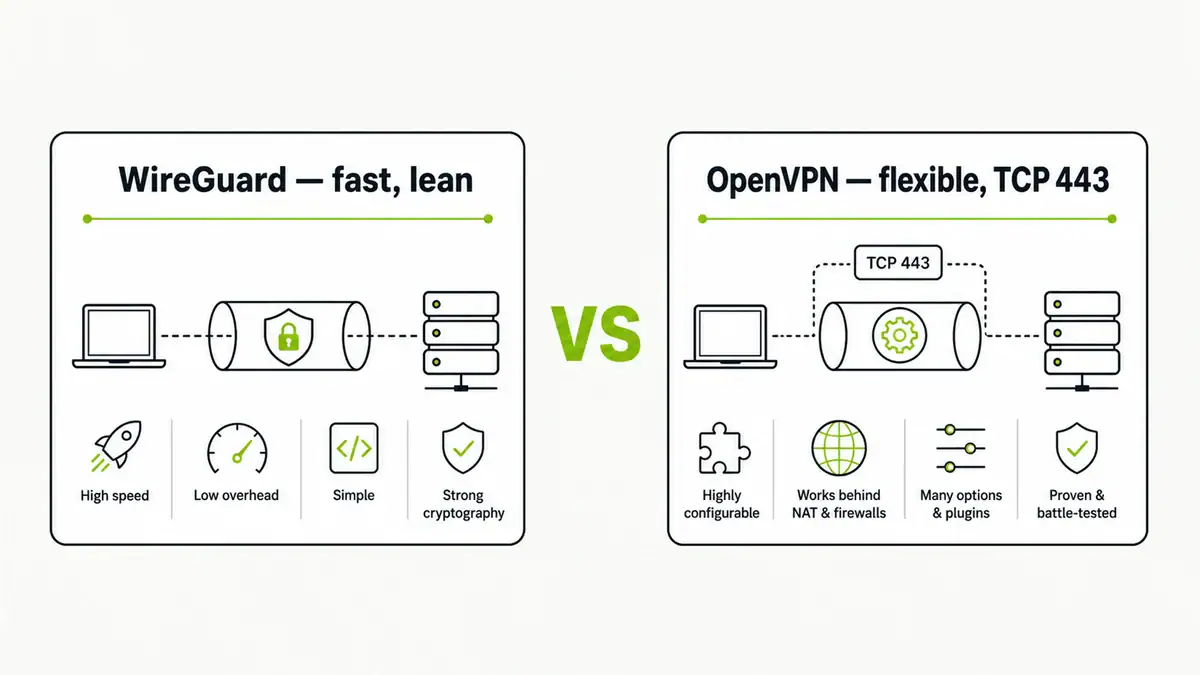
A mesh VPN sidesteps double NAT altogether by handling traversal automatically — see Tailscale vs WireGuard for how that works.
Sources and useful references
- RFC 1918: Address Allocation for Private Internets
- RFC 6598: Shared Address Space for Carrier-Grade NAT
- Microsoft Test-NetConnection documentation
Get notified whenever I post something new. No spam, and it helps a lot!


Leave a Reply