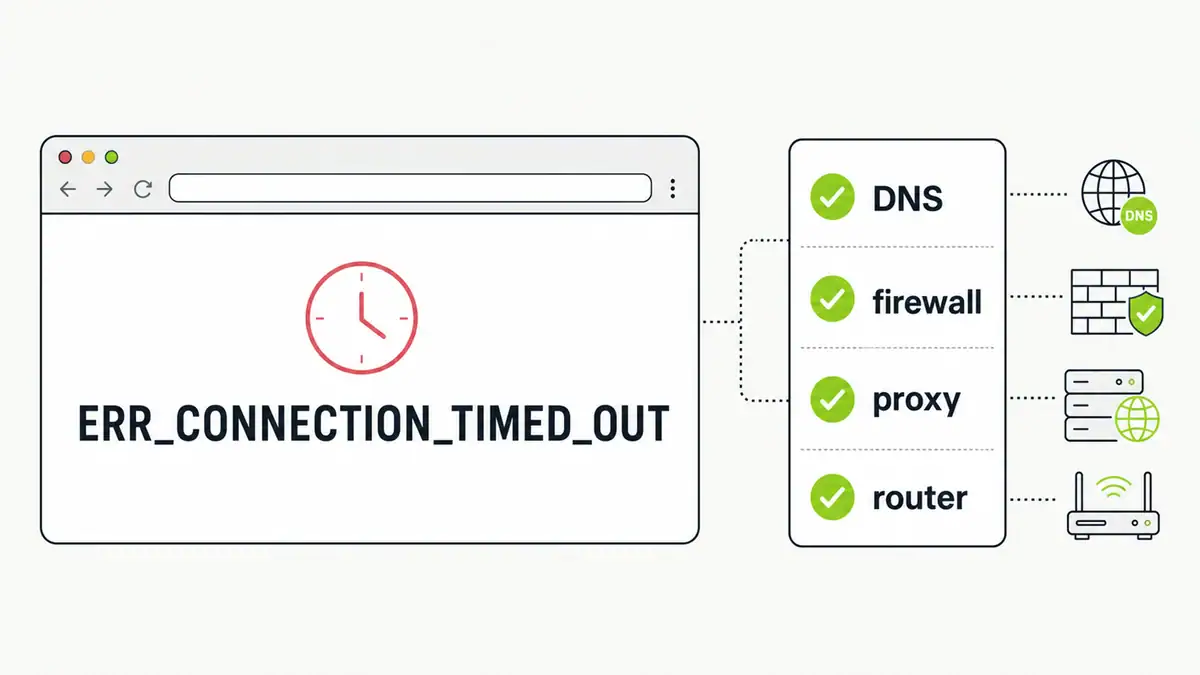
Updated June 2026. ERR_CONNECTION_TIMED_OUT means your browser tried to reach a site and got no response in time. It is usually a network, DNS, firewall, or proxy issue on your side — not the website. Here is the fastest path from error to fix.
Quick answer
First work out whether it is one site or all sites. If one site, it may be down or blocking you — try it on mobile data or a different network. If every site, the problem is local: flush DNS, switch to a public DNS server, disable any proxy or VPN, check your firewall, clear the browser cache, and restart your router. Most timeouts clear after a DNS change and a router restart.
Fix checklist
| Symptom | Likely cause | Fix |
|---|---|---|
| One site only | Site down or blocking | Try another network or device; wait and retry |
| All sites time out | Local network or DNS | Restart router, flush DNS, change DNS server |
| Only in one browser | Cache or extension | Clear cache, disable extensions, try incognito |
| After VPN/proxy | Bad proxy settings | Disable proxy and VPN, then retry |
| On work network | Firewall / filtering | Check firewall rules and allowlists |
Step by step
- Test another site and another device to isolate whether it is local or the site.
- Restart your router and modem, then retry.
- Flush your DNS cache and try again.
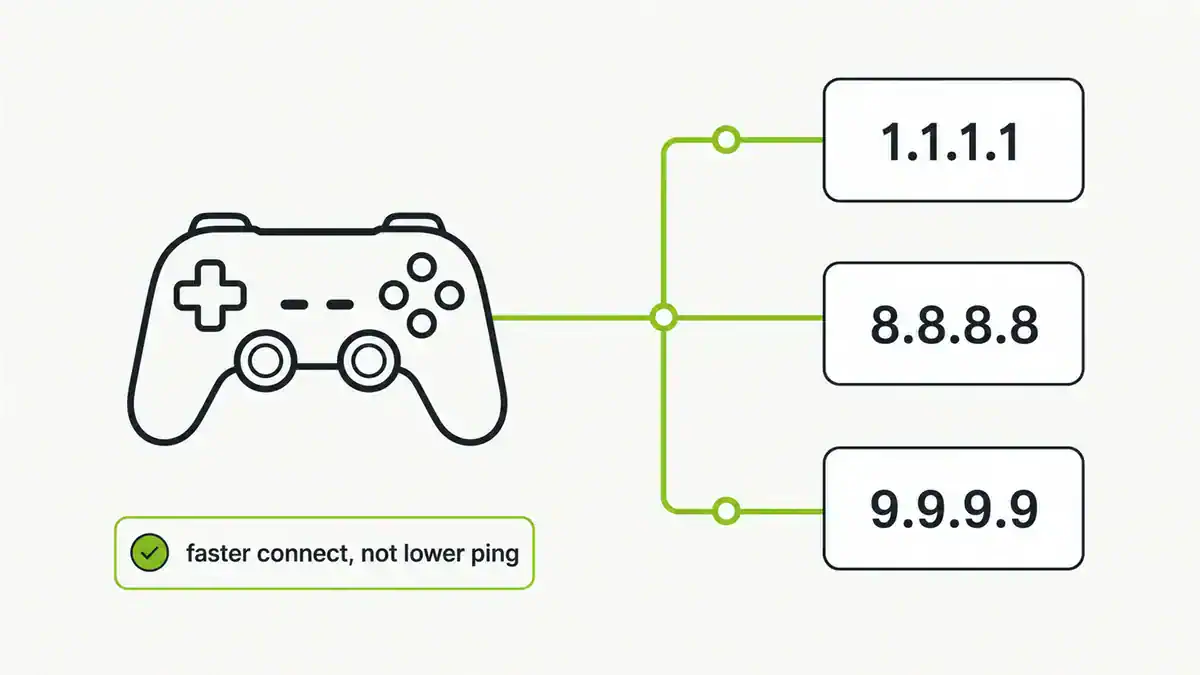
- Change your DNS server to 1.1.1.1 or 8.8.8.8 in case your resolver is failing.
- Disable any VPN, proxy, or “automatically detect settings” proxy option.
- Turn off VPN/firewall temporarily (on a trusted network) to see if it is blocking the connection.
- Clear the browser cache and disable extensions, or test in a private window.
If it is DNS, not the connection
A timeout that only affects name-based sites but not raw IPs is a DNS problem. If you also see DNS_PROBE errors, work through DNS_PROBE_FINISHED_NXDOMAIN and DNS server not responding, which cover the same root causes in depth.
FAQ
What does ERR_CONNECTION_TIMED_OUT mean?
Your browser sent a request and did not get a response within the time limit. It usually points to a local network, DNS, firewall, or proxy issue rather than a problem with the website.
Why do I get connection timeouts on every website?
That points to a local cause: a stalled router, a failing DNS server, a misconfigured proxy or VPN, or firewall blocking. Restart the router, flush DNS, and switch to a public DNS server.
Does changing DNS fix connection timeouts?
Often, when the cause is a slow or failing resolver. Switching to Cloudflare or Google DNS and flushing the cache resolves many timeout errors.
Is ERR_CONNECTION_TIMED_OUT my problem or the website’s?
Test the site on another network or device. If it loads elsewhere, the issue is local to you. If it fails everywhere, the site itself may be down.
Can a VPN cause this error?
Yes. A dropped or misconfigured VPN or proxy can block connections and cause timeouts. Disable it and retry to rule it out.
Sources checked
Final take
Work outside-in: is it one site or all, then network, then DNS, then browser. A router restart, a DNS change, and a cache flush fix the large majority of ERR_CONNECTION_TIMED_OUT cases. If lookups are the culprit, our DNS troubleshooting guides take it further.
Get notified whenever I post something new. No spam, and it helps a lot!


Leave a Reply