
Updated June 2026. AdGuard Home is a network-wide ad and tracker blocker like Pi-hole, with a polished built-in UI and native encrypted-DNS support. On a Raspberry Pi it installs in one command. Here is the full setup, plus how to decide between it and Pi-hole.
Quick answer
Run the official install script on your Pi, open the setup wizard on port 3000, choose an upstream resolver, then point your router’s DNS at the Pi. Add filter lists and you have network-wide blocking with DNS-over-HTTPS and DNS-over-TLS built in. If you are torn between tools, see Pi-hole vs AdGuard Home; for lists, see the best AdGuard Home blocklists.
Step 1: Install
curl -s -S -L https://raw.githubusercontent.com/AdguardTeam/AdGuardHome/master/scripts/install.sh | sh -s -- -vThe script installs AdGuard Home as a service and starts it. If you have not set the Pi up yet, begin with installing Raspberry Pi OS and SSH.
Step 2: Run the setup wizard
- Browse to
http://<pi-ip>:3000to start the wizard. - Set the admin interface and the DNS listening interface (port 53).
- Create your admin username and password.
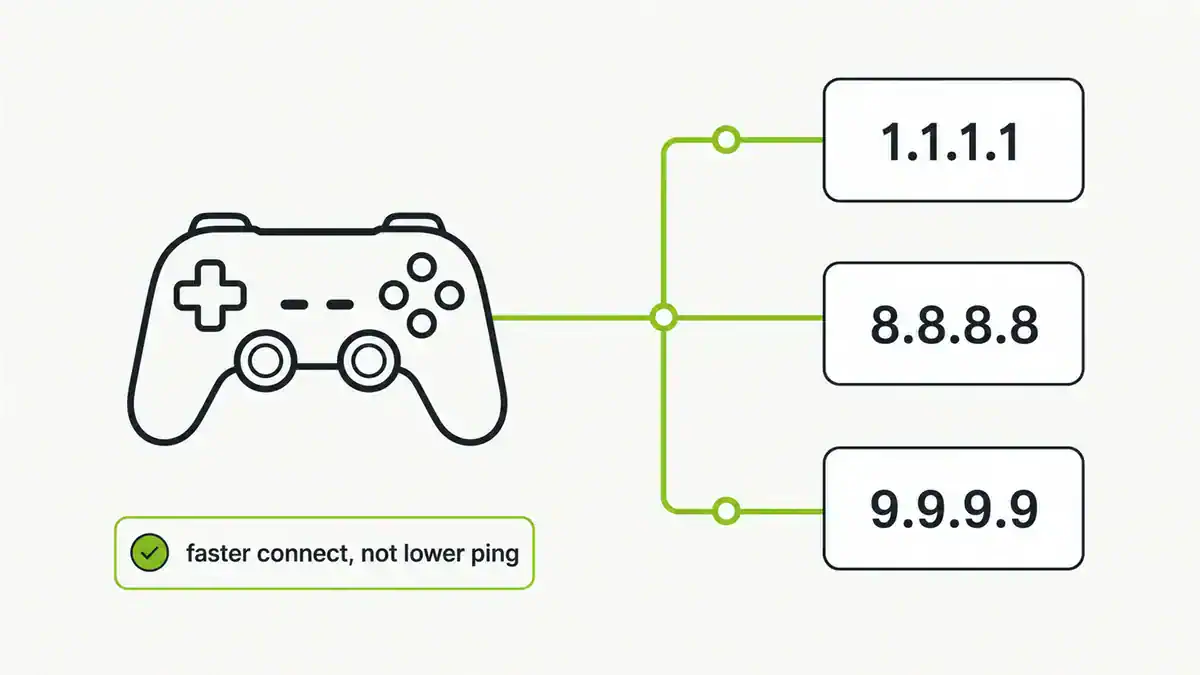
- Choose upstream DNS servers (for example Cloudflare or Quad9, or an encrypted upstream).
- Finish, then log in on the normal web port.
Step 3: Point your network at it
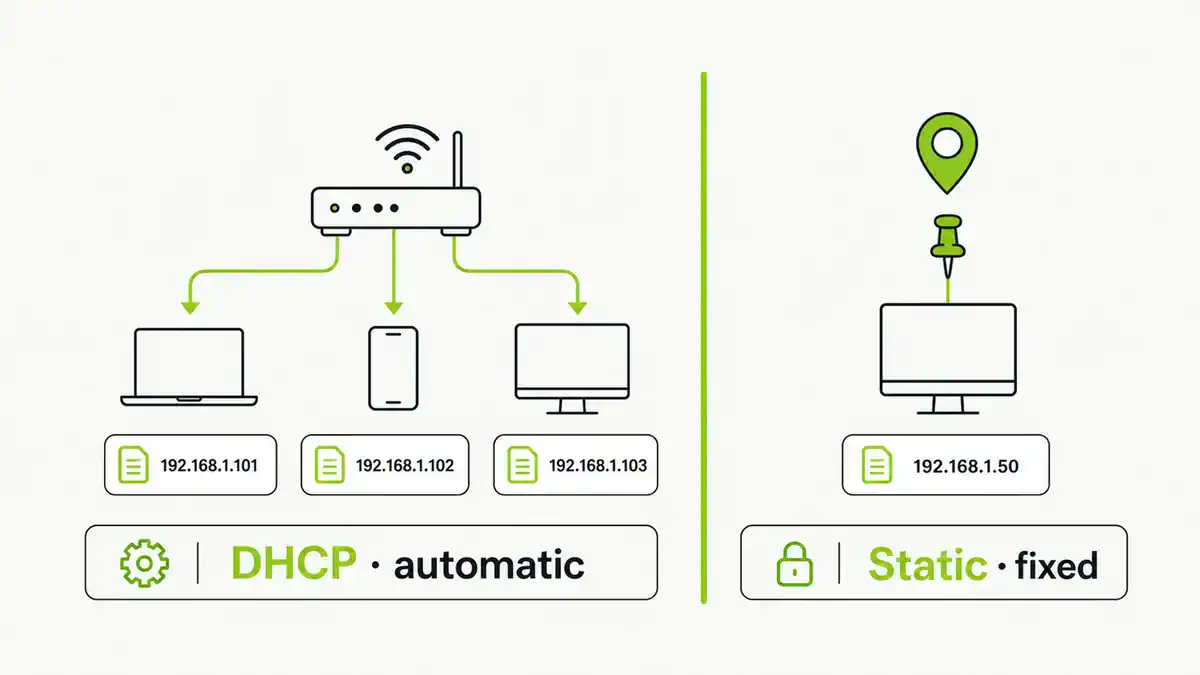
Set your router’s DNS to the Pi’s IP so every device is filtered, or set it per device. Give the Pi a static IP or DHCP reservation so its address never changes. Then add filter lists under Filters and enable the ones you want.
AdGuard Home vs Pi-hole
| AdGuard Home | Pi-hole | |
|---|---|---|
| UI | Polished, all-in-one | Functional, add-ons for extras |
| Encrypted DNS | Built in (DoH/DoT) | Via add-ons like cloudflared |
| Per-client rules | Built in | Groups and add-ons |
| Community/lists | Growing | Large and mature |
FAQ
Is AdGuard Home better than Pi-hole?
Neither is strictly better. AdGuard Home has a slicker UI and built-in encrypted DNS and per-client rules; Pi-hole has a larger community and ecosystem. Pick based on the features you want.
Does AdGuard Home need a Raspberry Pi?
No, it runs on many platforms, but a Pi is a cheap, low-power always-on host that suits it well. Any Linux box, NAS, or container works too.
Can AdGuard Home do encrypted DNS?
Yes. It supports DNS-over-HTTPS and DNS-over-TLS both as an upstream and as a server, without extra software.
Should I give the Pi a static IP?
Yes. Your DNS server’s address must be stable, so set a static IP or a DHCP reservation before pointing devices at it.
Can I run AdGuard Home and Pi-hole together?
You can, but it is usually redundant. Most people pick one as their network DNS filter rather than chaining both.
Sources checked
Final take
AdGuard Home is the quickest way to get polished, encrypted, network-wide filtering on a Pi. Install it, run the wizard, point your router at it, and tune your blocklists. Still deciding? Read Pi-hole vs AdGuard Home.
Get notified whenever I post something new. No spam, and it helps a lot!

Leave a Reply